Voice Recorder to Text
Sotto records speech and transcribes it to text offline on your Android phone. Use it for meeting notes, lectures, interviews, or voice memos, then find and revisit the words that matter.
Get it on Google Play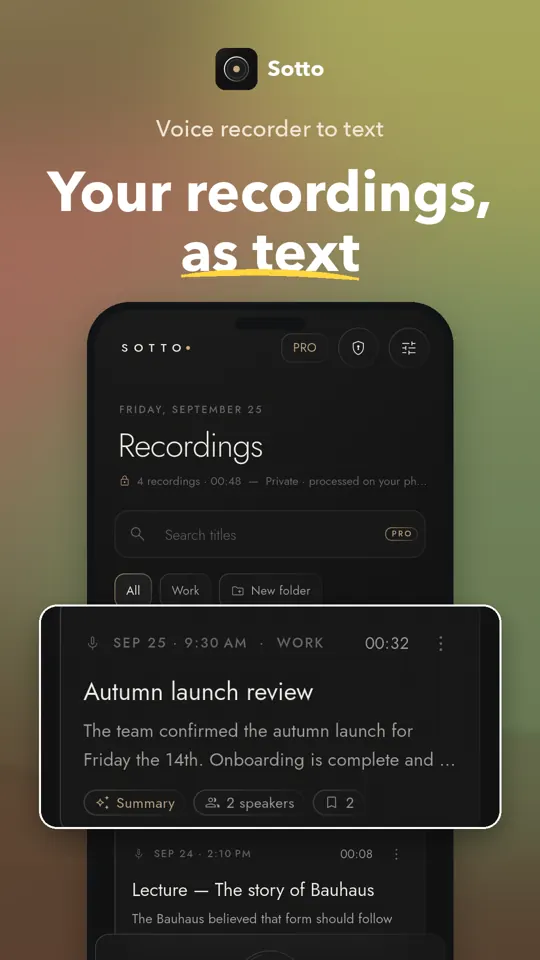
See Sotto in Action
Voice Recorder and Transcription Features
Record With One Tap
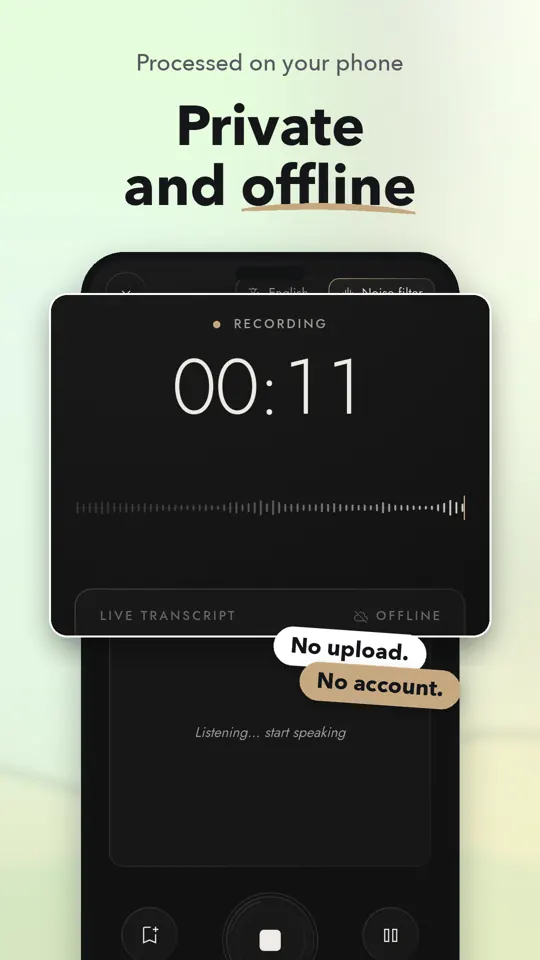
Start recording in one tap, even with the screen off. Pause, resume, and mark moments to find them later.
Transcribe Speech Offline
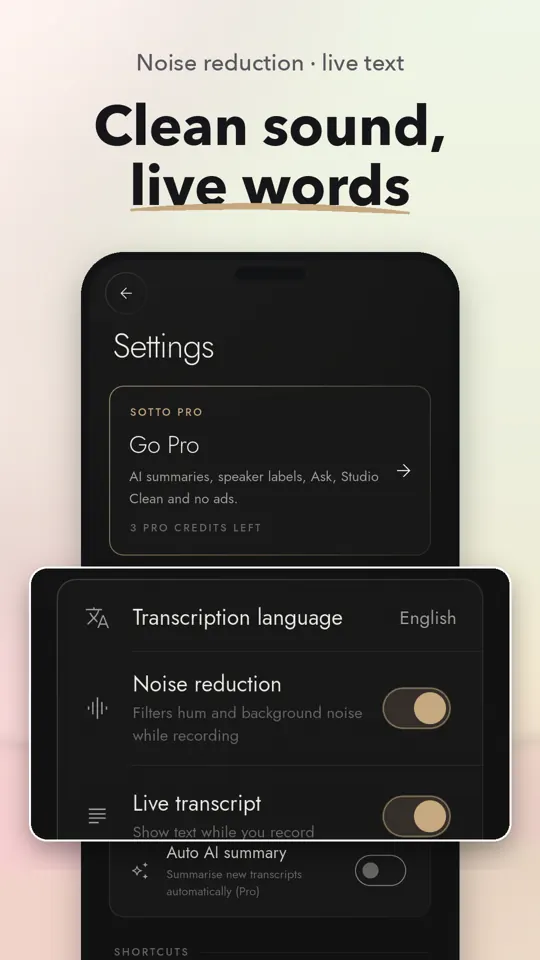
Turn recordings into text on your phone, or see live transcription as you speak. Import audio or video files to transcribe them too.
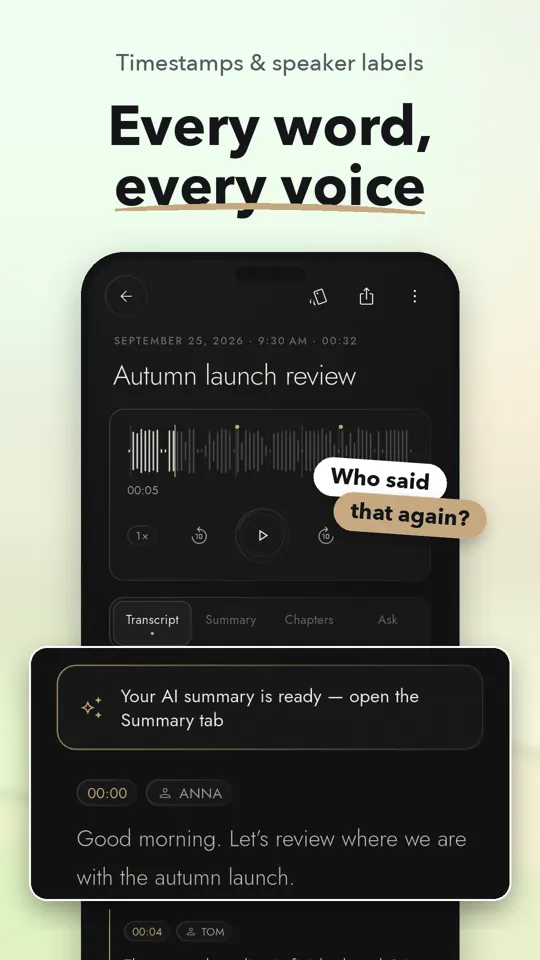
Timestamps You Can Tap
Transcript lines include timestamps. Tap a line to hear that exact moment in the recording.
Edit and Export Transcripts
Edit sentences, rename speakers, and copy a transcript in one tap. Export transcripts as TXT or SRT.
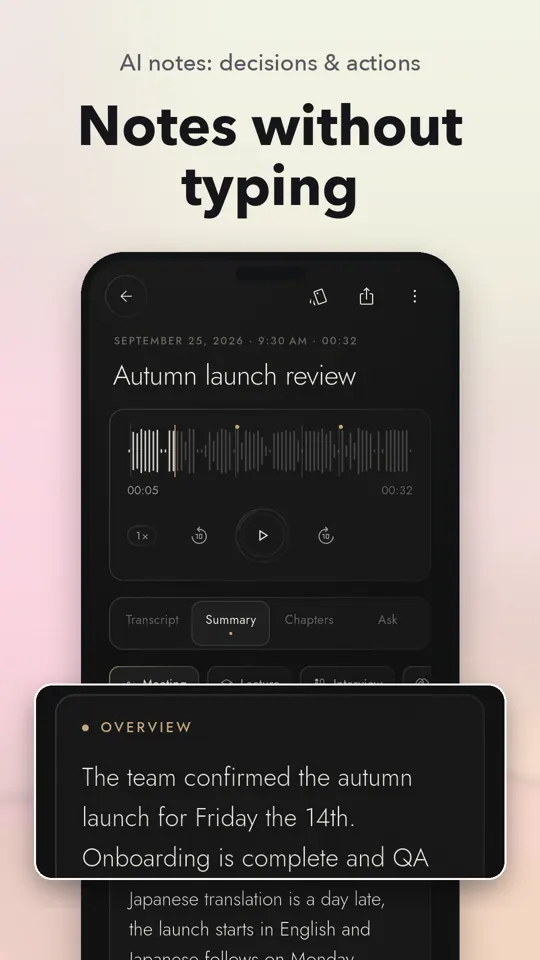
AI Notes for Recordings
Pro adds on-device summaries with overviews, key points, decisions, and action items. Choose templates for meetings, lectures, interviews, client calls, or personal notes.
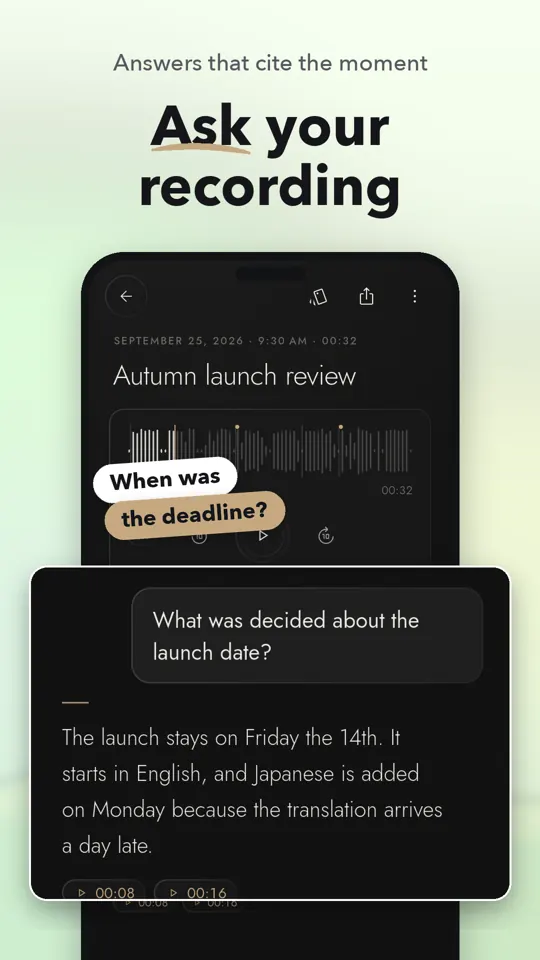
Ask Your Recording
With Pro, ask questions about a recording and get answers that cite the exact moment.
Clean Up Background Noise
Pro's Studio Clean reduces background noise, with a before-and-after comparison. Choose an accurate transcription model for difficult audio.
Keep Recordings Private
Speech recognition and the AI model run on your device. Sotto needs no account, and Pro includes an encrypted Vault with fingerprint or PIN access.
Get Started in Three Steps
Record or Import
Record a conversation in Sotto or import an audio or video file.
Transcribe on Your Phone
Open the recording to create a transcript offline, or follow live transcription while recording.
Review and Share
Edit and copy the transcript, revisit moments by timestamp, or export it as TXT or SRT.
Who Sotto Is For
- Meeting notes without typing
- Lecture recordings and searchable notes
- Interview transcription for journalists and researchers
- HR team interviews and conversations
- Voice memos, ideas, and journaling
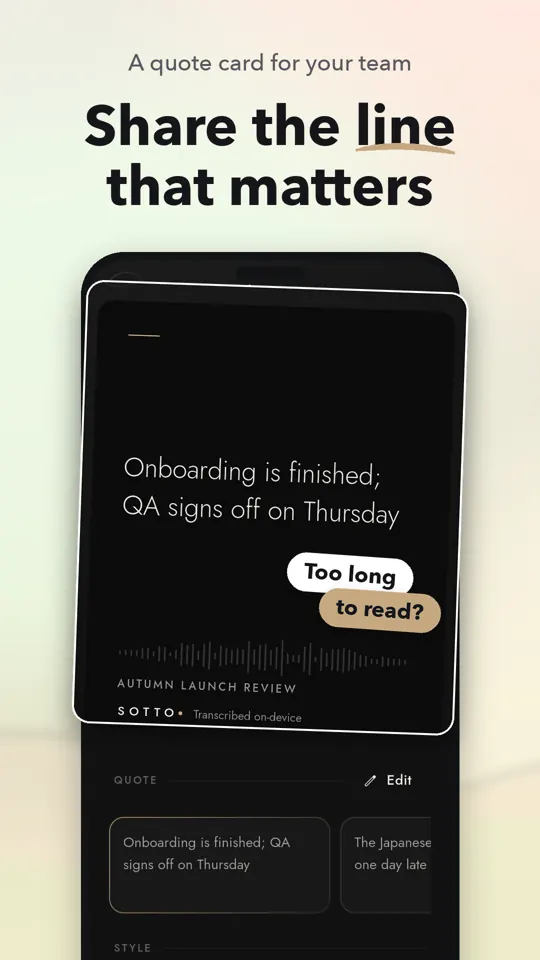
- Podcast drafts and quote cards
Free and Pro
Free
- Voice recording with pause, resume, and marked moments
- Live transcription and offline transcription of recordings
- Import audio and video files
- TXT and SRT transcript export
- A first-summary preview and Pro Credits for individual features
Pro
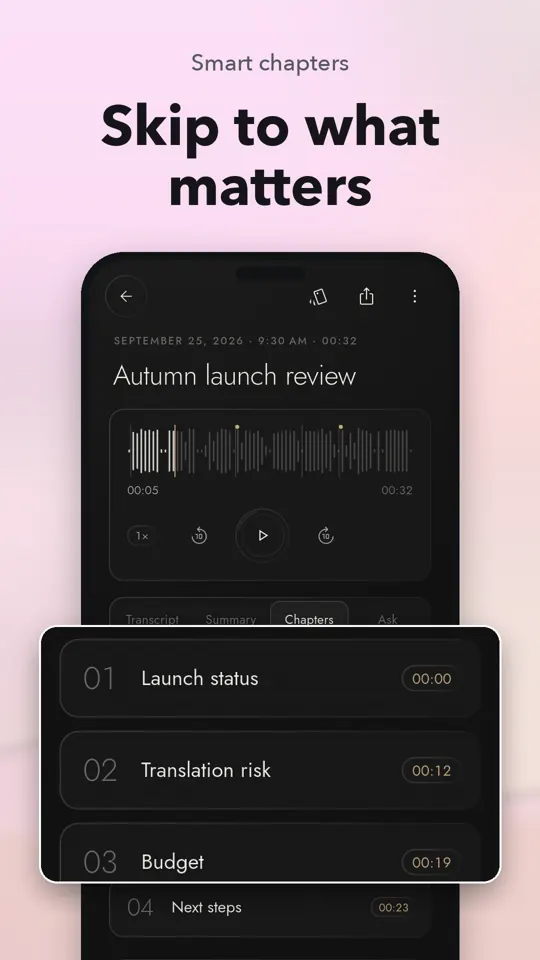
- AI summaries, questions, and smart chapters
- Speaker identification and an accurate transcription model
- Studio Clean noise reduction
- DOCX, PDF, and Markdown export
- Folders, transcript text search, and encrypted Vault
- Monthly or yearly subscription, or one-time lifetime purchase
Frequently Asked Questions
Does Sotto voice transcription work offline?
Yes. Speech recognition and the AI model run on your phone, and Sotto can transcribe recordings offline. Some models may need to be downloaded to your device.
Is Sotto free to use?
Sotto includes voice recording, offline transcription, audio and video import, and TXT or SRT export. Pro features are available through a subscription or a one-time lifetime purchase; a free trial may be available with the yearly plan.
Does Sotto upload my recordings?
No. Your audio, transcripts, and summaries are not uploaded, and the app does not require an account. Pro also includes an encrypted Vault protected by fingerprint or PIN.
Which phones can run Sotto?
Sotto is an Android app available on Google Play. There is no iPhone version.
Which languages can Sotto transcribe?
Sotto supports voice-to-text in English, Vietnamese, Japanese, Korean, French, Spanish, Portuguese, Chinese, and many more languages. Available recognition may depend on the model on your device.
Can I turn an audio file into text?
Yes. Import an audio or video file and use Sotto to create a transcript offline. You can edit the text and export it as TXT or SRT.
Guides
How to Transcribe Audio to Text
Learn how to transcribe audio to text with a phone, computer, or manual workflow. Get setup tips, improve accuracy, fix common problems, and compare options.
How to Record Lectures Clearly and Review Them Later
Learn how to record lectures with your phone or another device, choose useful audio settings, get clearer sound, take notes, and solve common problems.